Is Your Resume ATS Compatible? How to Check in 5 Minutes
Is your resume ATS compatible? How to check in 5 minutes with our easy guide will provide you with crucial tips to optimize your resume, ensuring it passes through ATS filters and gets noticed by employers. Learn how to identify pitfalls and use effective keywords to enhance your chances of landing that interview.

Introduction
In today’s competitive job market, landing an interview often hinges on whether your resume gets past the Applicant Tracking System (ATS). Many candidates wonder, "Is your resume ATS compatible? How to check in 5 minutes?" The truth is that up to 90% of companies use ATS tools to filter resumes, meaning that if your resume isn’t optimized for these systems, you might not even get a second glance from employers.
In this guide, we will provide you with actionable tips and quick methods to assess your resume’s ATS compatibility. By understanding the fundamentals of ATS functionality, you’ll ensure your resume makes it into the hands of hiring managers. So, let’s dive into the essentials!
Understanding ATS: What It Is and Why It Matters
What Is ATS?
An Applicant Tracking System (ATS) is software that employers use to streamline the recruitment process. It scans resumes for specific keywords and ranks candidates based on their qualifications.
Why It Matters
Failing to conform to ATS standards can lead to your resume being rejected, even if you’re a qualified candidate. Because most resumes are submitted electronically, understanding ATS can set you apart and secure you that crucial interview.
According to a survey by ZipRecruiter, more than 60% of job seekers believe they are qualified for positions but still face rejection due to poorly optimized resumes.
Five Signs Your Resume Is Not ATS Compatible
Identifying potential pitfalls in your resume can take just a few moments. Here are five signs hinting your resume may not pass an ATS scan:
- Use of Complex Formatting: Elements like graphics, columns, and unusual fonts can confuse ATS. Stick to traditional layouts.
- Lack of Standard Headings: Avoid creative section titles. Instead, use standard headings like "Work Experience" or "Education."
- Missing Keywords: Failing to include industry-specific keywords can cause your resume to be overlooked.
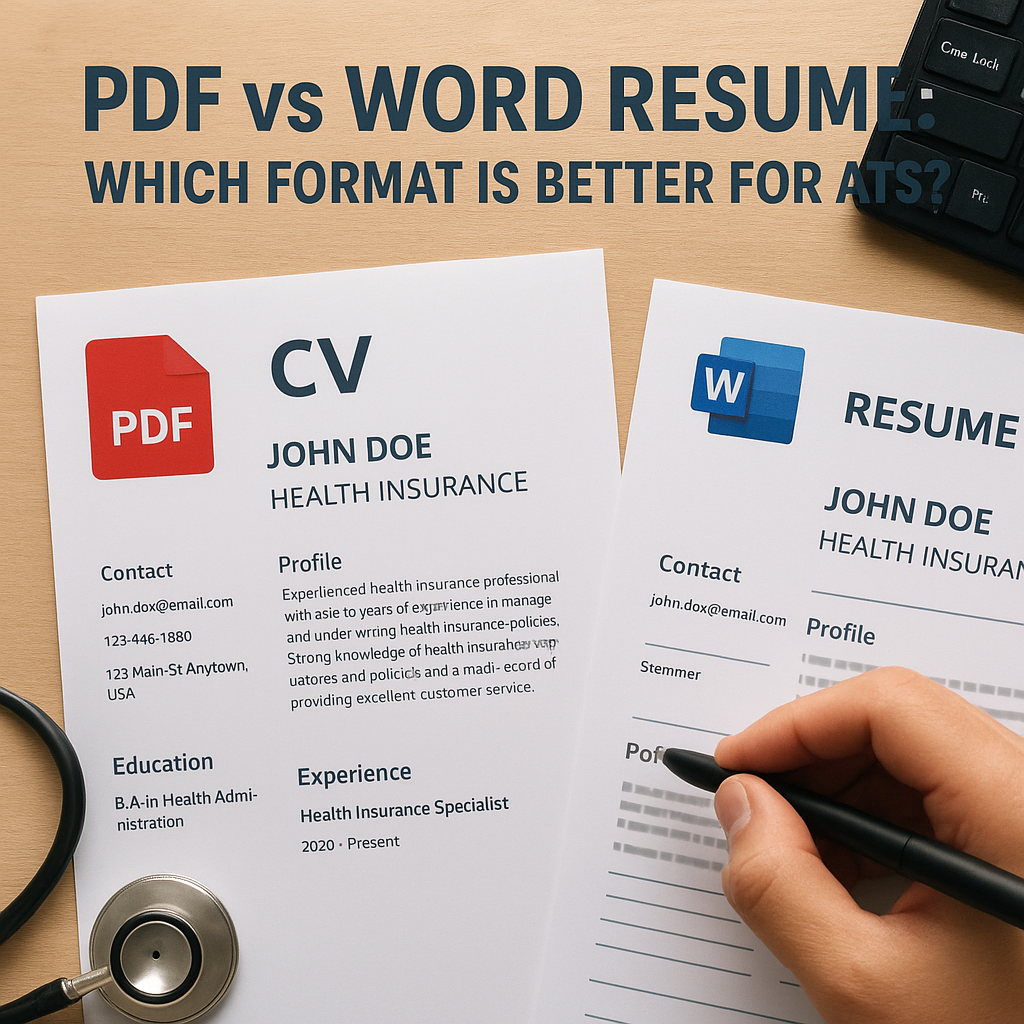
- Irregular File Formats: Submitting your resume as a PDF can be problematic for some ATS. Use Word documents (.doc or .docx) when possible.
- Overly Lengthy or Dense Text: Keep each section concise to facilitate scanning. Bullet points are your best friend!
Before applying, make sure to review your resume against these indicators to enhance your chances of ATS compatibility.
How to Use Keywords Effectively
Keywords play a crucial role in making your resume ATS-friendly. Here’s how to implement them effectively:
Identifying Keywords
- Job Descriptions: Take time to examine job listings. Highlight terms and skills repeatedly mentioned; these are critical keywords.
- Candidate Profiles: Look at professional networking sites like LinkedIn to gather insights on commonly used terms.
Integrating Keywords
- Ensure you incorporate these critical keywords seamlessly within your resume, mainly in the skills section and throughout your work experience.
- Don’t overstuff your resume with keywords; instead, craft sentences that naturally incorporate them.
Utilize our Resume Builder to help with integrating these keywords effectively!
Quick Check: Formatting and Structure
Another vital aspect of ATS compatibility is ensuring your resume is formatted correctly. Here’s a simple checklist to verify:
- Use a single-column layout: This simplifies the scanning process for ATS.
- Standard font choices: Fonts like Arial, Times New Roman, or Calibri in a size of 10-12 points are preferred.
- Bullet points: Use these to list responsibilities and achievements.
- Consistent spacing: Maintain uniform margins and spacing throughout to enhance readability.
- Simple section dividers: Use lines or simple whitespace to separate sections rather than graphics.
By adhering to these guidelines, your resume can successfully navigate through ATS screening.
Run Your Resume Through Our ATS Resume Checker
Before submitting, it’s prudent to evaluate your resume with an efficiency-boosting tool. Our ATS Resume Checker provides a quick and user-friendly way to assess compatibility.
How to Use the Checker
- Upload your resume in the required format.
- Review feedback regarding keyword usage and overall formatting.
- Adjust based on suggestions before finalizing your resume.
Regular use of an ATS checker can enhance your resume’s effectiveness, ensuring it aligns with industry standards and increases your chances of landing interviews.
Real-World Example: The Impact of ATS Compatibility
Consider Jane, a marketing professional with a rich background who struggled to land job interviews despite being highly qualified. After thorough research, she realized her resume was laden with graphics and jargon that confused the ATS.
She switched to a cleaner format, enabling the application of relevant keywords straight from job descriptions. After implementing these changes and using our ATS compatibility tools, Jane successfully passed through ATS filters and landed an interview within weeks.
Lesson learned: Sometimes, even the most qualified candidates need to align their resumes with ATS-friendly formats to get recognized.
FAQs About ATS Compatibility
What is the best file format for an ATS resume?
The safest option is to use a Word document (.doc or .docx). Some ATS can read PDFs, but it’s not universally supported.
How often should I update my resume for ATS?
Regularly update your resume, especially for specific job applications, to reflect current keywords and relevant experience.
Can I use visual elements in my resume?
It’s best to avoid complex visuals. Stick to text-based features for ATS compatibility.
Are ATS systems able to recognize skills and experiences?
Yes, however, they can only recognize them if presented in easy-to-read formats with appropriate keywords.
How can I assess if my resume is human-friendly?
Ensure it passes the ATS test while remaining appealing and easy to read for human reviewers—clear sections, bullet points, and legible fonts are crucial.
Final Thoughts and Action Steps
In summary, Is Your Resume ATS Compatible? How to Check in 5 Minutes is straightforward if you follow the outlined steps. Ensure your resume uses standard formatting, incorporates relevant keywords, and is scanned through appropriate tools before submission.
Ready to optimize your resume? Start by using our Resume Builder today and elevate your chances of landing that coveted job!